Find your way around the Operator
Updated 2026-10-26
The rail, the tabs and the shortcuts. The browser, the Mac app and the Linux Operator all look and work the same.
Open your server's address in a browser, or start Sentinel Operator on a Mac or Linux desktop. The browser page is the Operator, so everything below is the same in all three. On a phone-width browser the rail becomes a bar along the bottom.
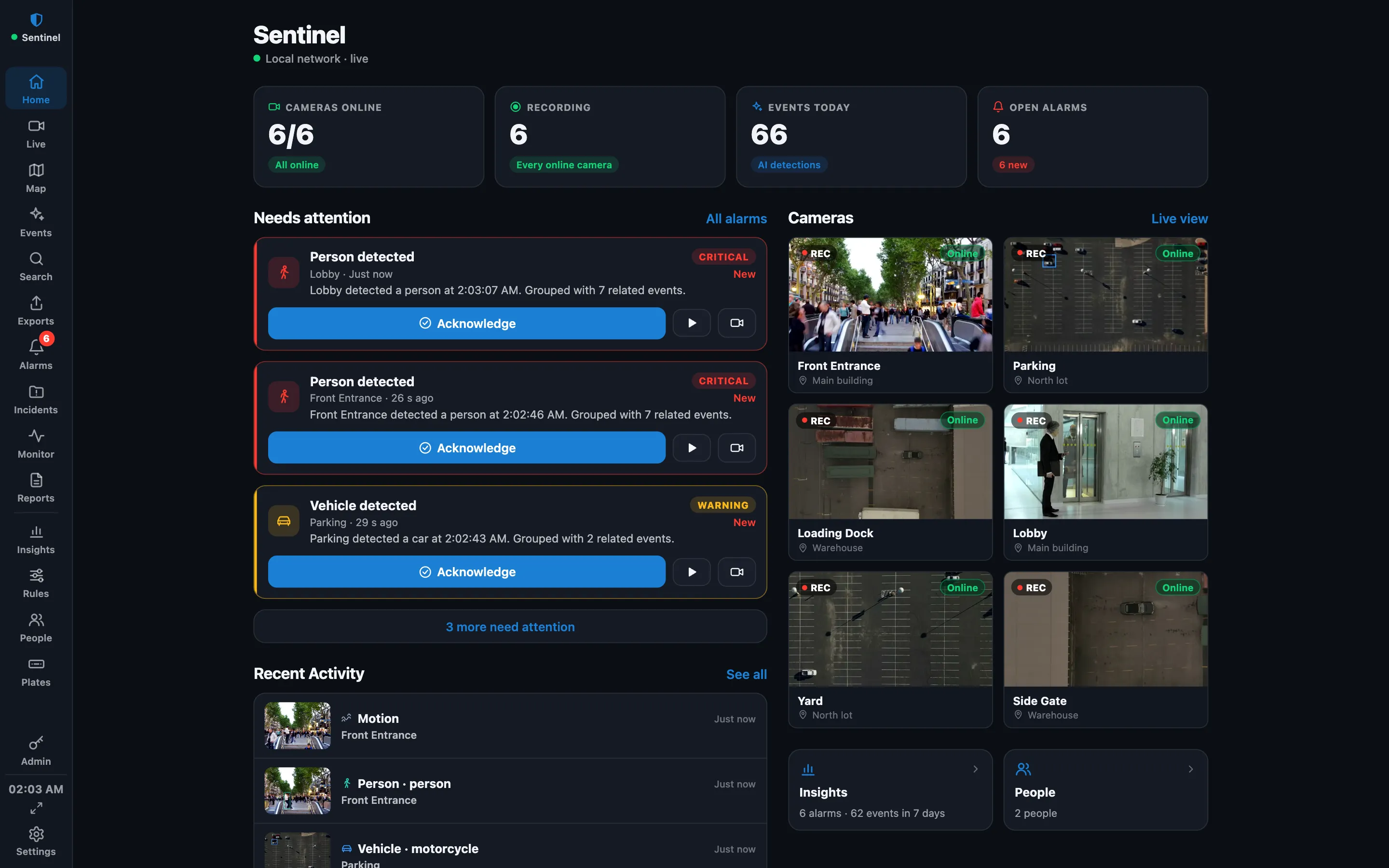
The rail
The rail runs down the left edge. The site name and a green dot (the connection to the server) are on top. Hover a tab to see its name and shortcut.
| Tab | What it is for |
|---|---|
| Home | Cameras online, alarms that need attention, recent activity and server health. |
| Live | The camera grid, with a switch to Playback. See Live view and playback. |
| Map | Cameras on a floorplan. An administrator uploads plans under Admin → Client → Floorplans. |
| Events | Detections with snapshots, filtered by camera, kind and threat level. |
| Search | Find events by kind, camera, time, plate, or by describing the picture. See Detection models, faces, plates and search. |
| Exports | Evidence clips, long exports and schedules. See Export video and evidence. |
| Alarms | The Alarm Manager. See Alarm rules and iPhone notifications. |
| Incidents | Cases that collect alarms, clips and notes. |
| Monitor | System Monitor: servers, cameras and recording health. |
| Reports | Alarms by severity, the busiest cameras and what was detected. |
| Insights, Rules, People, Plates | Analysis and automation. See Rules and Insights and Detection. |
| Admin | Cameras, recording servers, users, Sentinel Cloud, iPhone pairing and System. Pinned at the bottom. |
You only see the tabs your role allows. Below the tabs are the clock, a full screen button and Settings, the menu for your account, the site and signing out.
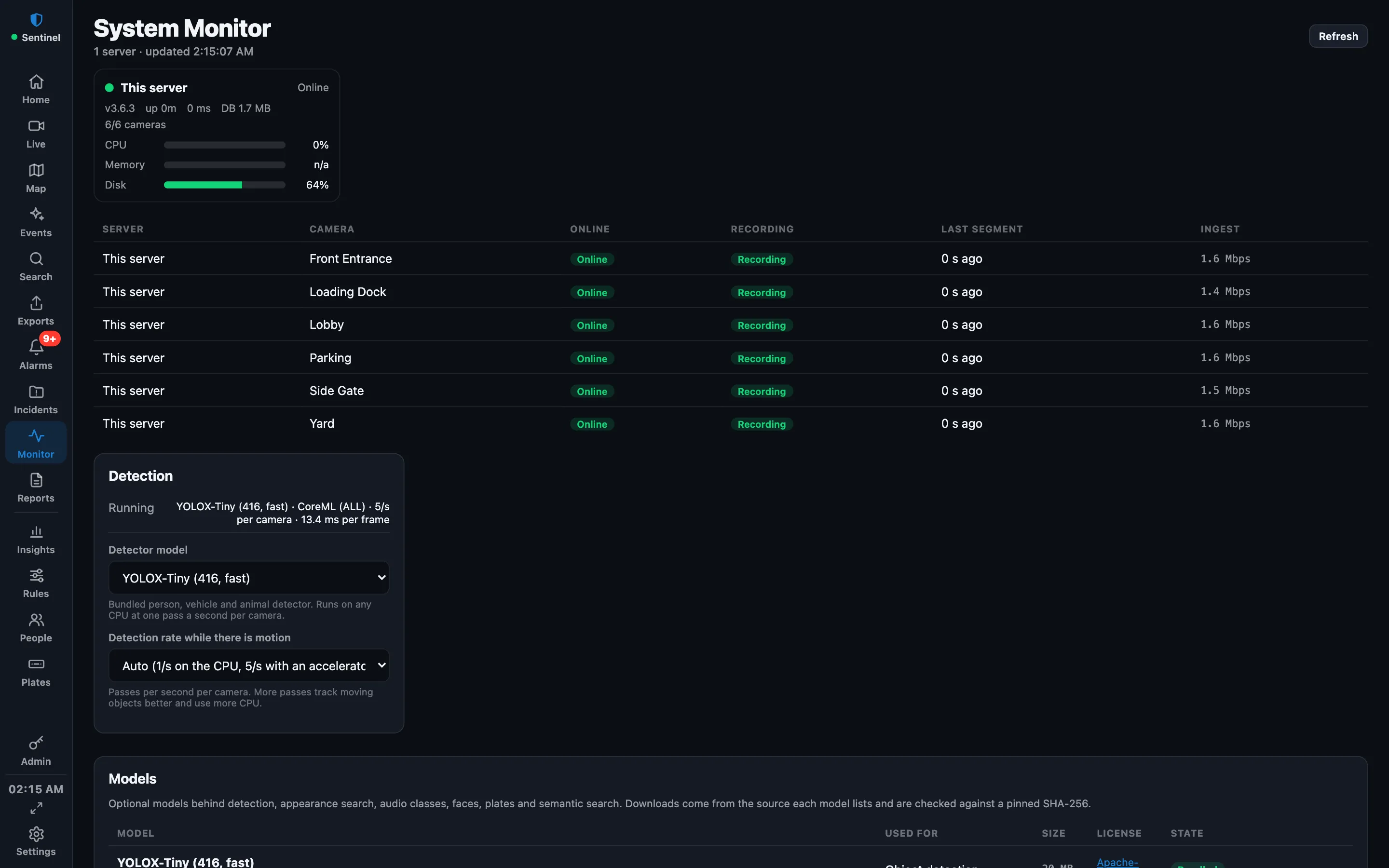
Shortcuts in the browser and the Linux Operator
- Ctrl+1 Live, Ctrl+2 Playback, Ctrl+3 Alarms, Ctrl+4 Events, Ctrl+5 Search, Ctrl+6 Map.
- Ctrl+7 Exports, Ctrl+8 Incidents, Ctrl+9 Monitor, Ctrl+0 Reports.
- Ctrl+H Home, Ctrl+I Insights, Ctrl+E Rules, Ctrl+P People, Ctrl+L Plates, Ctrl+, Admin.
- Ctrl+B shows or hides the Views & Cameras panel in Live.
Mac and browser differences
- The Mac app uses the rail and its menus rather than these shortcuts.
- On the Mac, Management… (also Shift+Command+M) opens the same Admin tree in a window of its own.
- The Mac app can open a live wall on another display, and puts a shield in the menu bar. See The menu bar shield.
- The Admin pages for iPhone pairing and the AI key are in the browser (and the Linux Operator) only.
More guides, including Sentinel Cloud setup and users and roles, are in the knowledge base for signed-in users.