Guides › Everyday use
Live view, playback and exports
Updated 2026-10-22
Watch live, scrub back through footage, bookmark moments and export clips or evidence packages.
Live
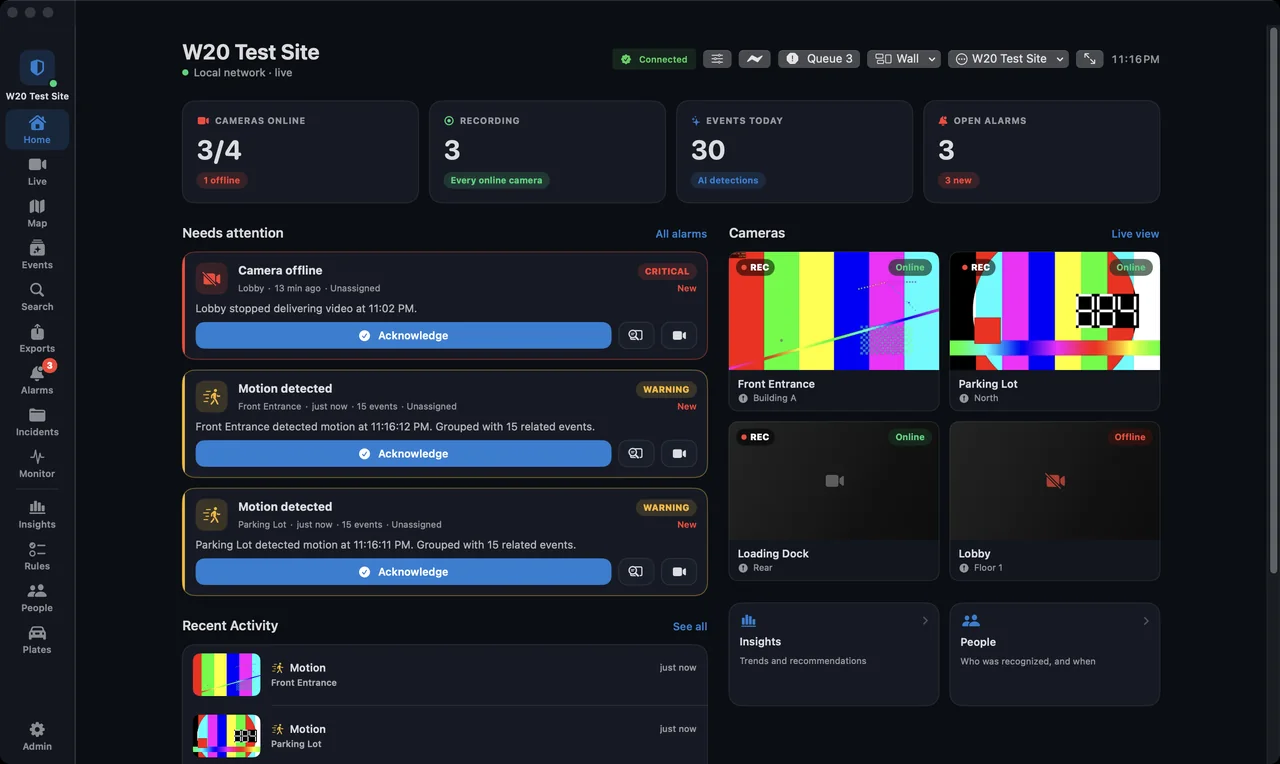
The Live page shows every camera you are allowed to see. Click a tile to open it large. Sentinel Operator on the Mac adds a live wall across several displays.
On your own network live video is close to real time. Away from home through Sentinel Cloud it runs about six seconds behind, so the picture keeps moving on slower connections.
Playback
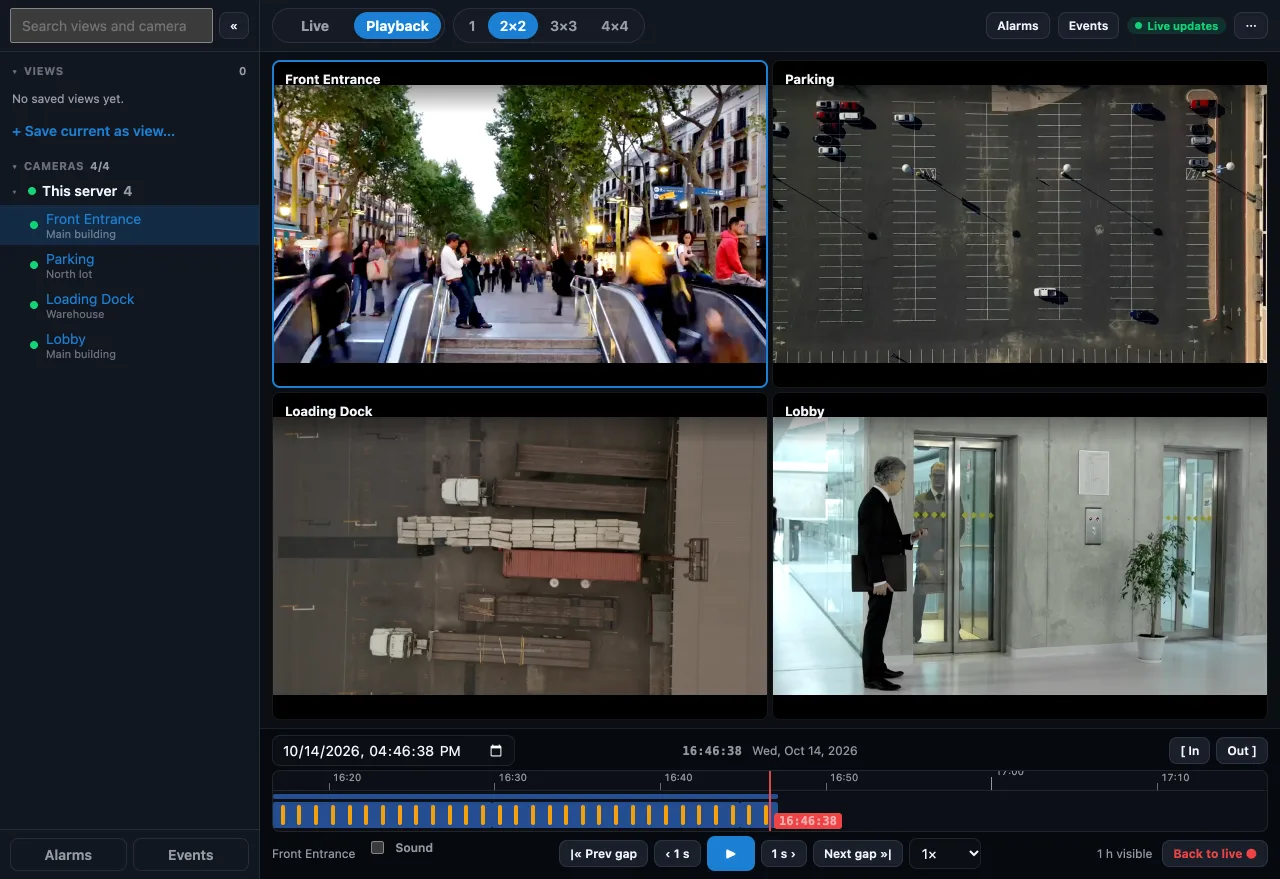
- Open a camera and switch to Playback, or open Recordings.
- Drag along the timeline. Events and alarms appear as marks you can jump to.
- Add a bookmark to come back to a moment, with a note for colleagues.
Export and evidence
- Export saves a clip for a time range, optionally watermarked or with faces and plates pixelated.
- An evidence package bundles the clips and the alarm details into one file you can hand over.
- Locking an alarm's clip as evidence keeps it past normal retention. With Sentinel Cloud, locked clips are also copied offsite.
More guides, including Sentinel Cloud setup and users and roles, are in the knowledge base for signed-in users.