Guides › Everyday use
Set up the iPhone app
Updated 2026-10-22
Install Sentinel VMS from the App Store, sign in to your site, and watch from anywhere.
- Install Sentinel VMS from the App Store.
- Open it and tap Add a Site, then enter your server's address and sign in with your Sentinel user name and password.
- Or, faster: in the dashboard open iPhone, and under Pair an iPhone show the QR code. In the app tap Scan Site QR Code.
- Allow notifications when iOS asks, so alarm rules can reach you.
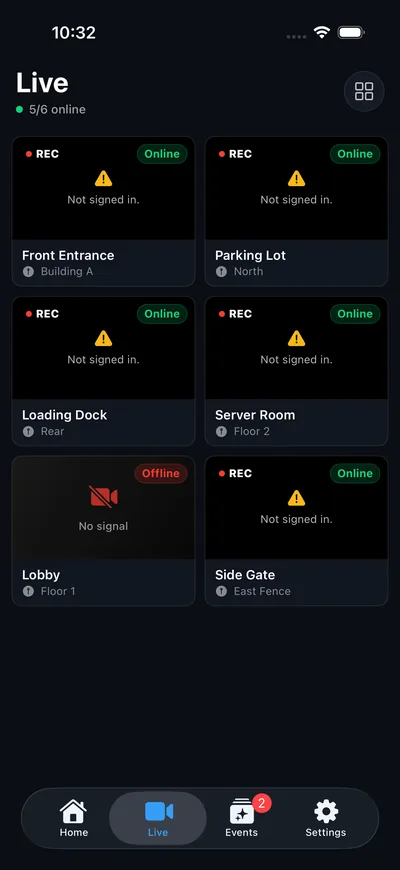
Away from home
With Sentinel Cloud turned on, open the app once on your home network. It learns the site's cloud address and switches to it automatically on cellular or other Wi-Fi. The status under the site name reads Remote · Cloudflare when it is using it.
Without Sentinel Cloud you can type a remote address yourself under the site's settings, for example a VPN address or your own tunnel.
Just looking?
Try Demo Mode on the first screen loads sample cameras and alarms, no server needed.
More guides, including Sentinel Cloud setup and users and roles, are in the knowledge base for signed-in users.